How to add contact us question?
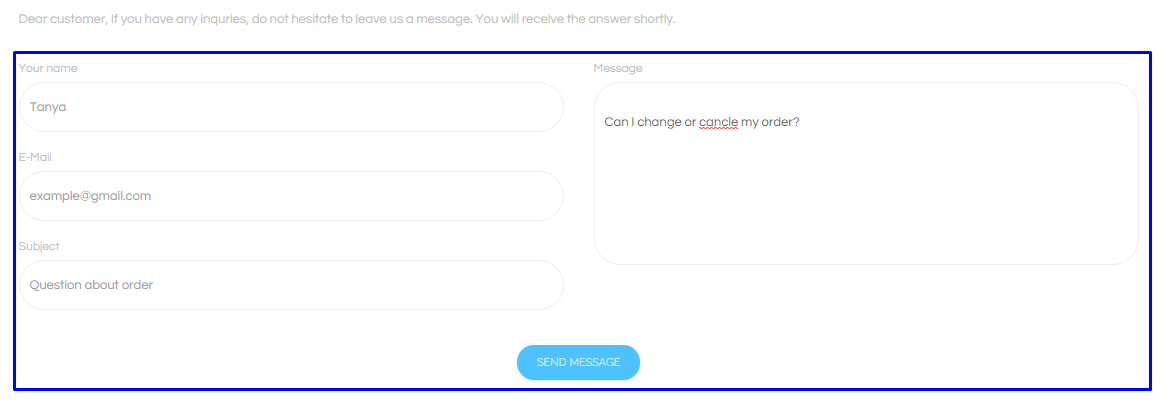
By choosing the menu Contact Us, the form with the following required fields opens:
- Name
- Subject
- Message
Every customer can add the message and send it. It is not required to be registered. Only admin user can see this message.
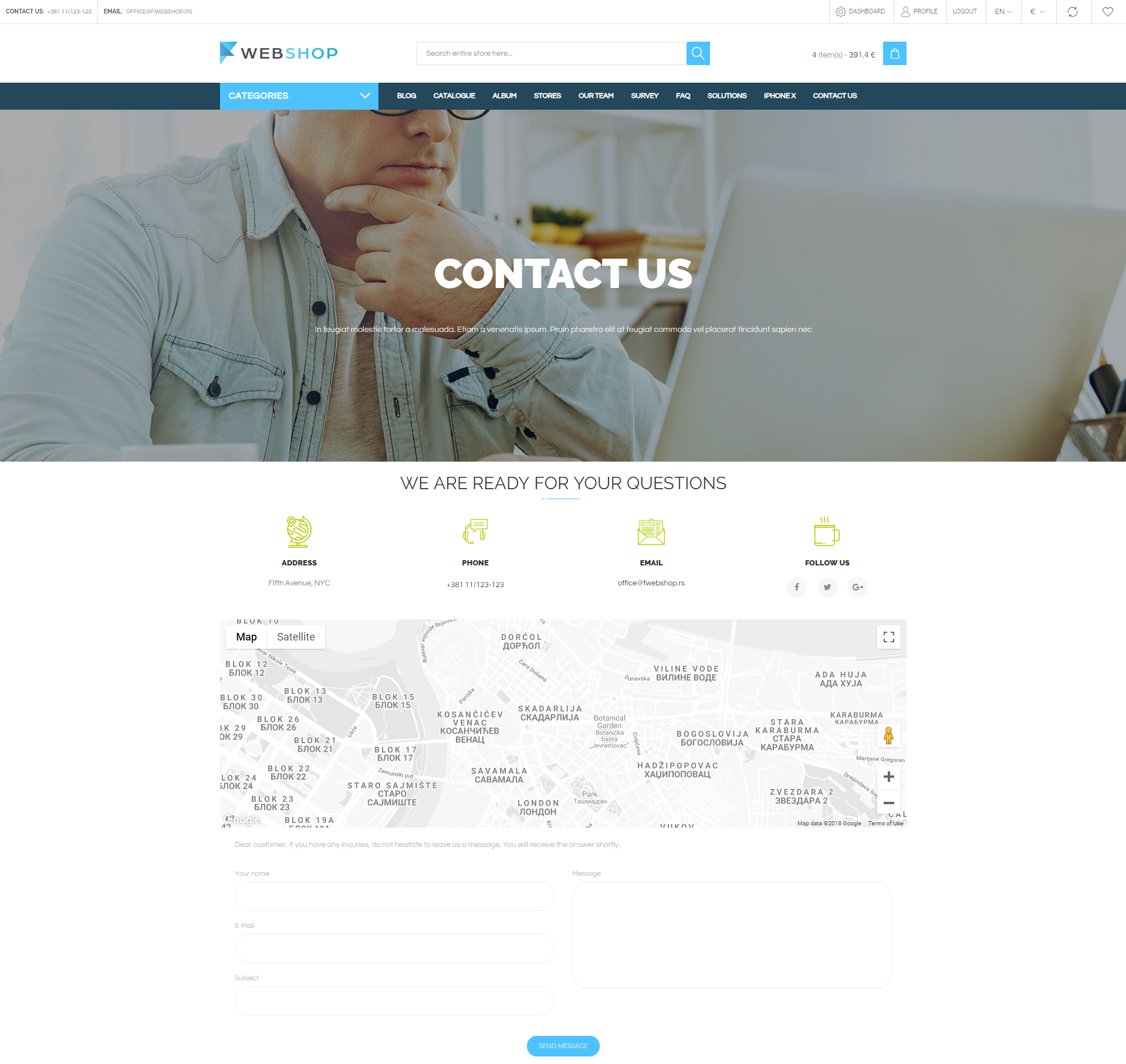
Customer has to fill the form and click on the button Send message.
All Contact Us Questions
By choocing the menu Plugins/Contact Us Questions/All, the list of all contact us questions from customers is shown. Admin has an option for advanced search and sorting by ID, Title, Username and Date**. Also, admin user can choose how many contact us questions he/she wants to view per page (10, 20, or 30).

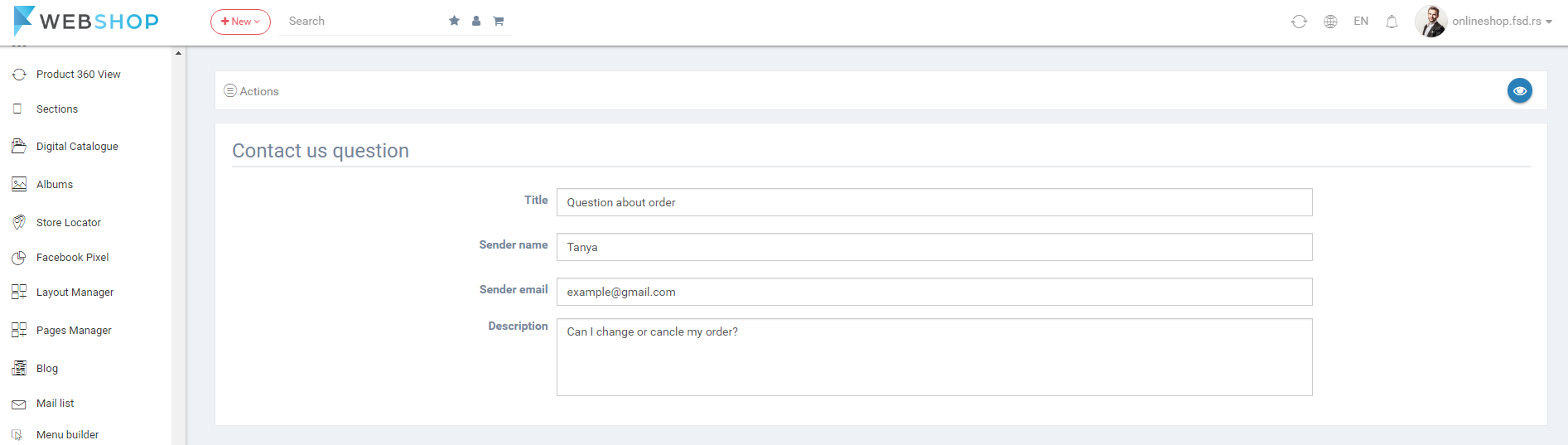
View Contact Us Question
By clicking on button for viewing in the list of all questions, View contact us question page opens.
Delete Contact Us Question
Admin user can delete contact us questions. It can be done one by one, but also by selecting multiple contact us questions and clicking on button for delete in the bottom of the page.
